Machine
How hard your PC is working, and every Claude Code session running on it.
On a Mac or Linux the page says machine health isn't available yet.
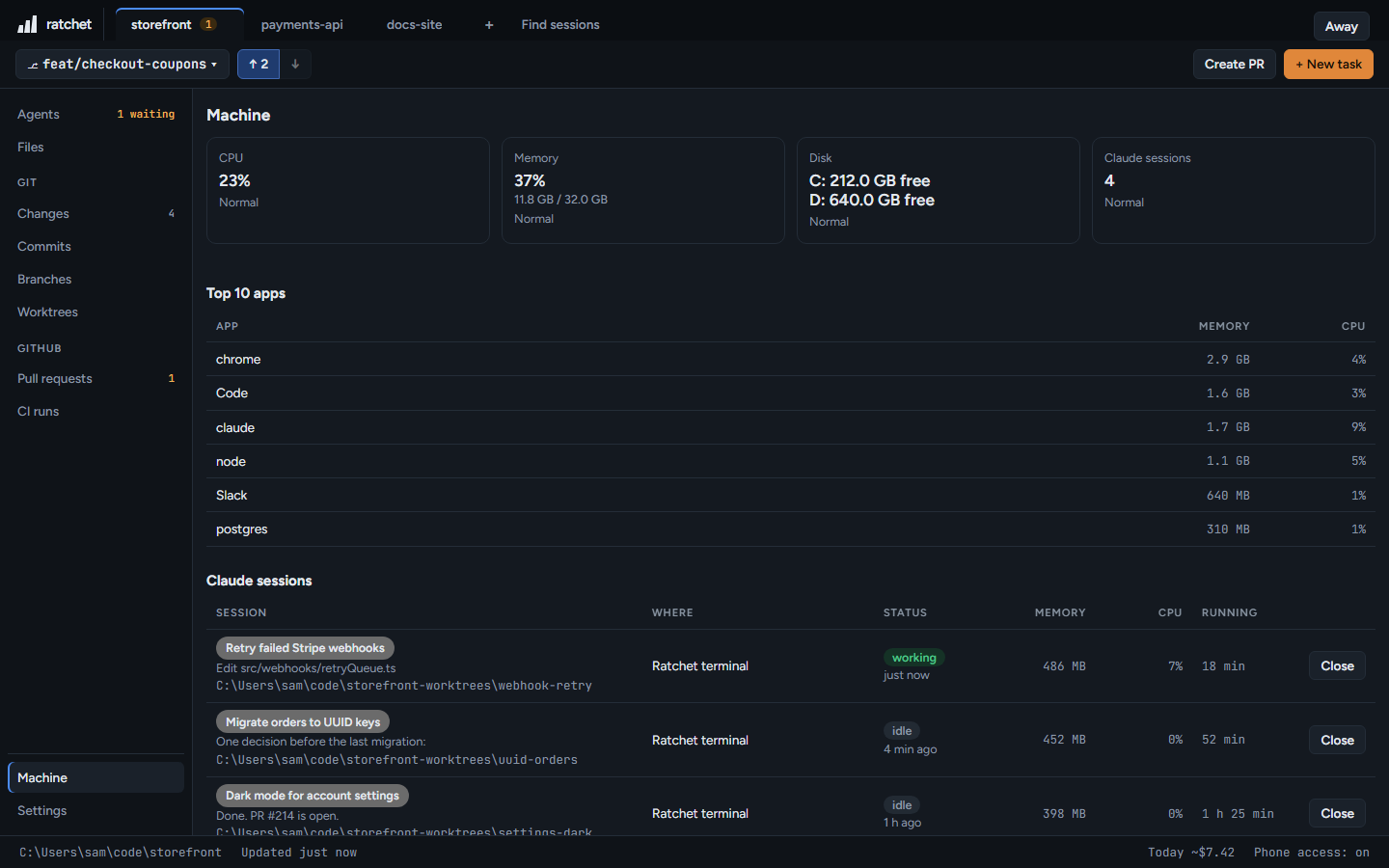
When it warns you
| What | High | Critical |
|---|---|---|
| Memory | 85% used | 93% used |
| Disk | under 10 GB free | under 3 GB free |
| CPU | 90% for 2 minutes | – |
| Claude sessions | more than 6 | – |
You can change the memory, disk and session levels in Settings. The CPU level is fixed. When something is high, the Machine menu item gets a badge.
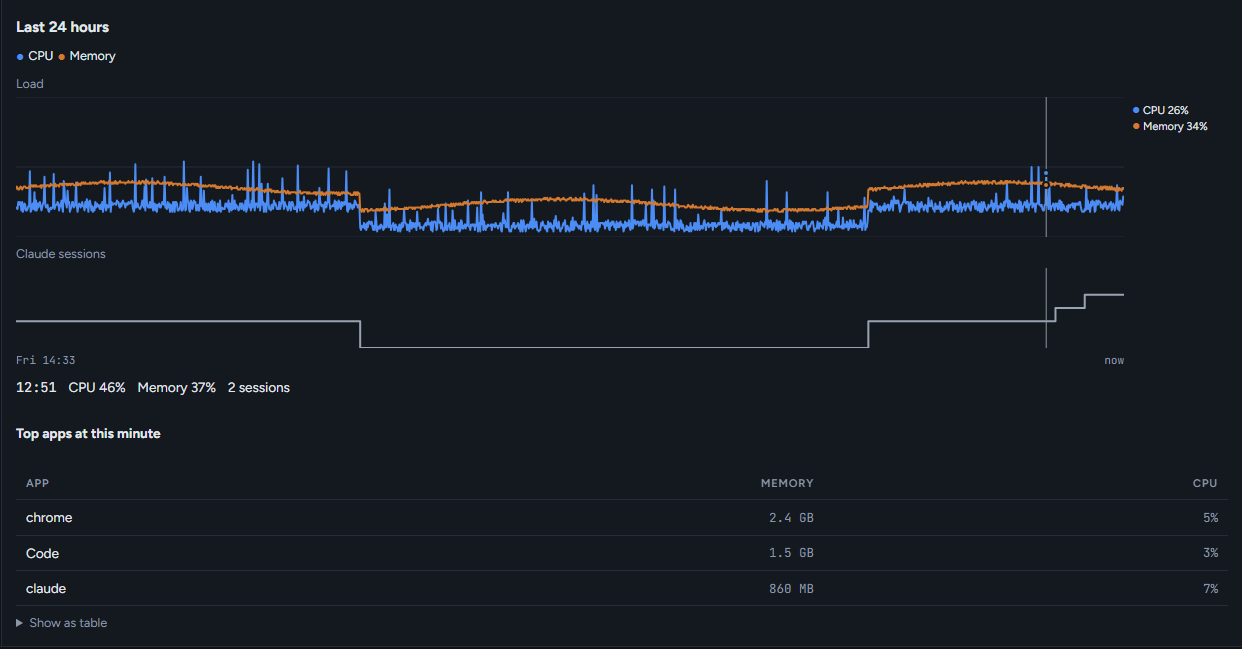
Claude sessions
Every running Claude Code session, where it runs (ratchet, Windows Terminal, VS Code and others), its memory and CPU. One-off claude -p runs aren't counted. Close ends a session. You can pick it up again later with resume.
When ratchet starts, it ends Claude processes left behind by agents it started whose window has gone. There's nothing to press.
If your PC restarted unexpectedly, a banner says when, with Show on chart.
On the PC, while you are in a team, the page also shows the Team card: your PCs in the team, whether this PC is sharing, and What is shared, and with whom. While you are joining, the card shows only the company and Sharing: waiting for a leader. See Team.