Updating
ratchet checks npm once an hour and shows a banner when a new version is out.
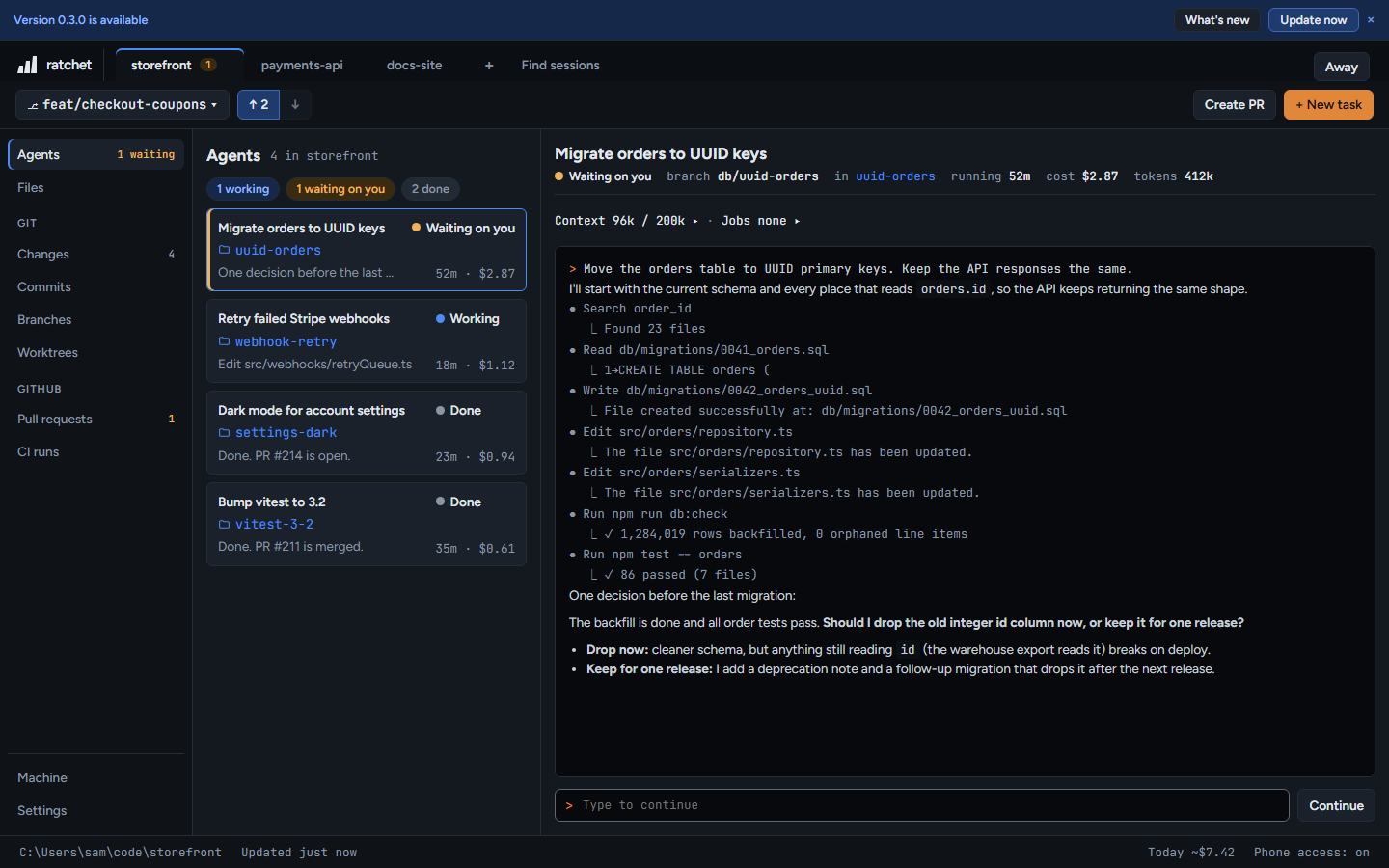
From the banner
- Press What's new to read the changes. If you skipped versions, it lists each one between the version you run and the new one.
- Press Update now. If agents are running, ratchet asks first, because updating restarts it and stops them. Pick Update when they finish, Update now or Later.
- ratchet shows Updating… ratchet will restart and comes back on the same address. It restarts in the background: no new window and no new browser tab.
With Update when they finish, the banner reads Update waits for 2 agents with a Cancel button. ratchet updates by itself as soon as none of the agents it started is running. Cancel brings the normal banner back.
The × on the banner hides it for that version until ratchet restarts. While it is hidden, your phone gets no alert for that version.
If an update fails
The banner reads Update to 0.8.0 failed. Show details shows the error and the command to run it by hand. Try again starts the update again.
From the phone
Your phone gets an alert once per new version, if you allowed alerts on it. Tap it to read What's new, then press Update now on the phone or the PC. While ratchet restarts, the phone shows Updating ratchet on your PC… and comes back by itself. If you started ratchet with npx, the alert and the banner show the command to run on your PC.
If agents are running, the phone asks the same question as the PC. If the PC is not back after about 3 minutes, the phone shows ratchet didn't come back and keeps trying; check that the PC is on. A ratchet window open on the PC shows Updating… ratchet will restart as soon as the phone starts the update, and comes back by itself too.
To stop the alert, turn off A new ratchet version is out under Alert me when in Settings. During quiet hours it waits until they end.
By hand
npm install -g @ratchet-ai/ratchet@latest
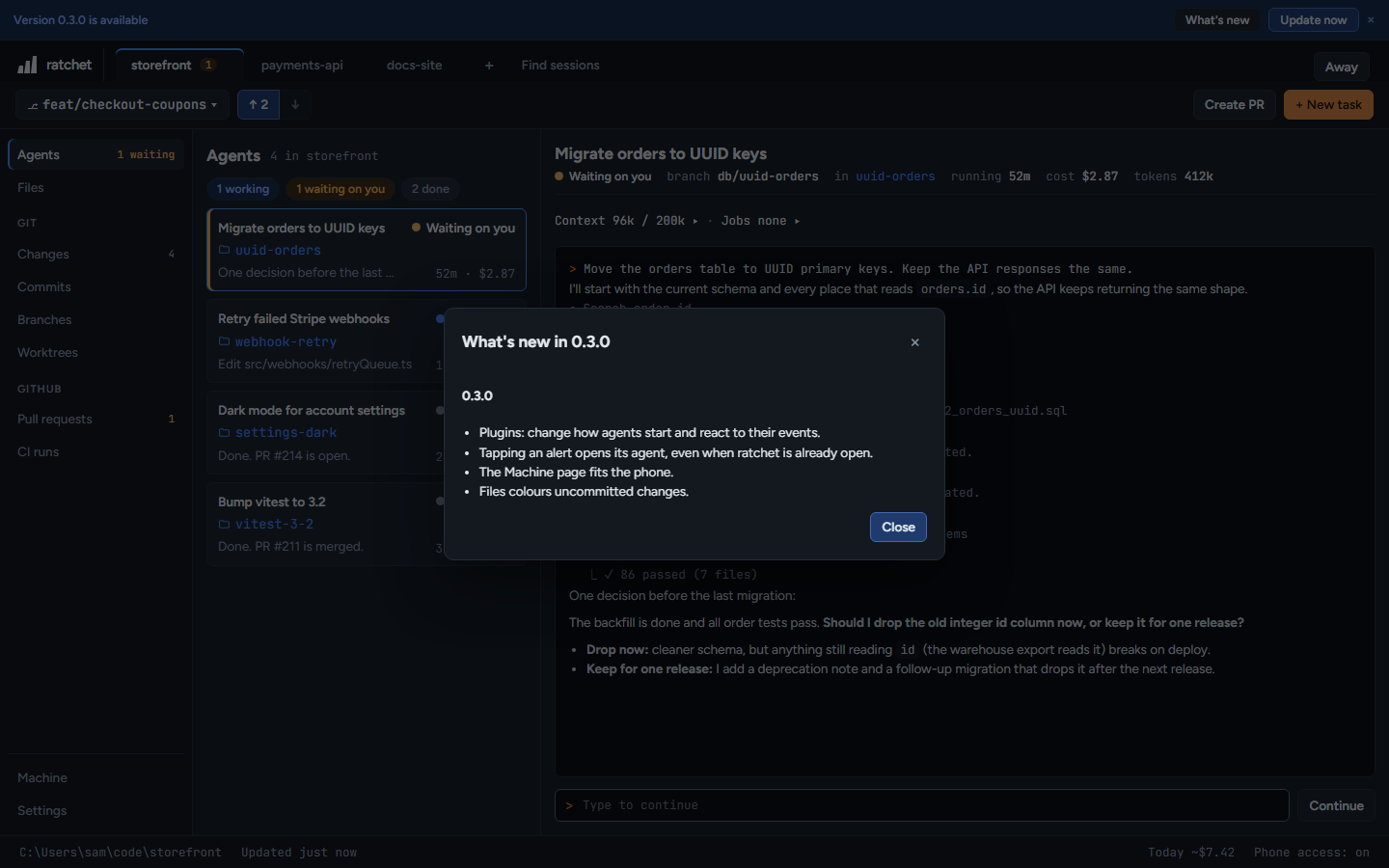
On a Mac install that needed sudo, add sudo in front. After a global install by hand, type ratchet: the new version replaces the running one, asking first if agents are running. One-click update only works for a global npm install. If you started ratchet with npx, the banner shows npx @ratchet-ai/ratchet@latest with a Copy button instead: run it in a terminal and it replaces the running version, asking first if agents are running. Other copies show no update banner; update them the same way you installed them.