Phone access
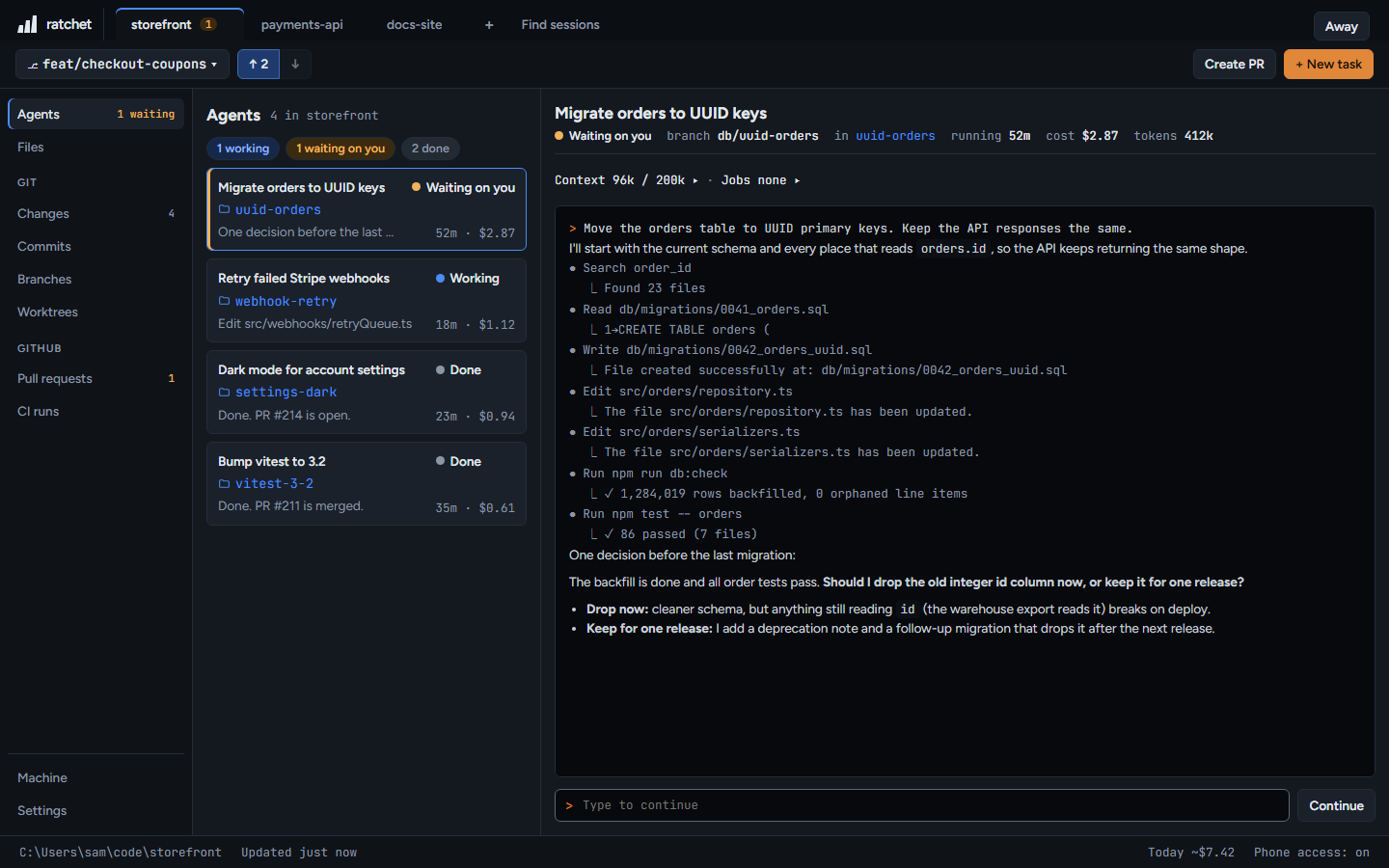
Open the same ratchet from your phone, from anywhere, through your own private Tailscale network.
127.0.0.1:4700
How it connects
ratchet keeps running on your PC. Your phone reaches it through Tailscale, a free private network you install on both devices. Your PC is never open to the internet, and there's no ratchet server in between.
Set it up once
- Install Tailscale on your PC and your phone, and sign in on both with the same account.
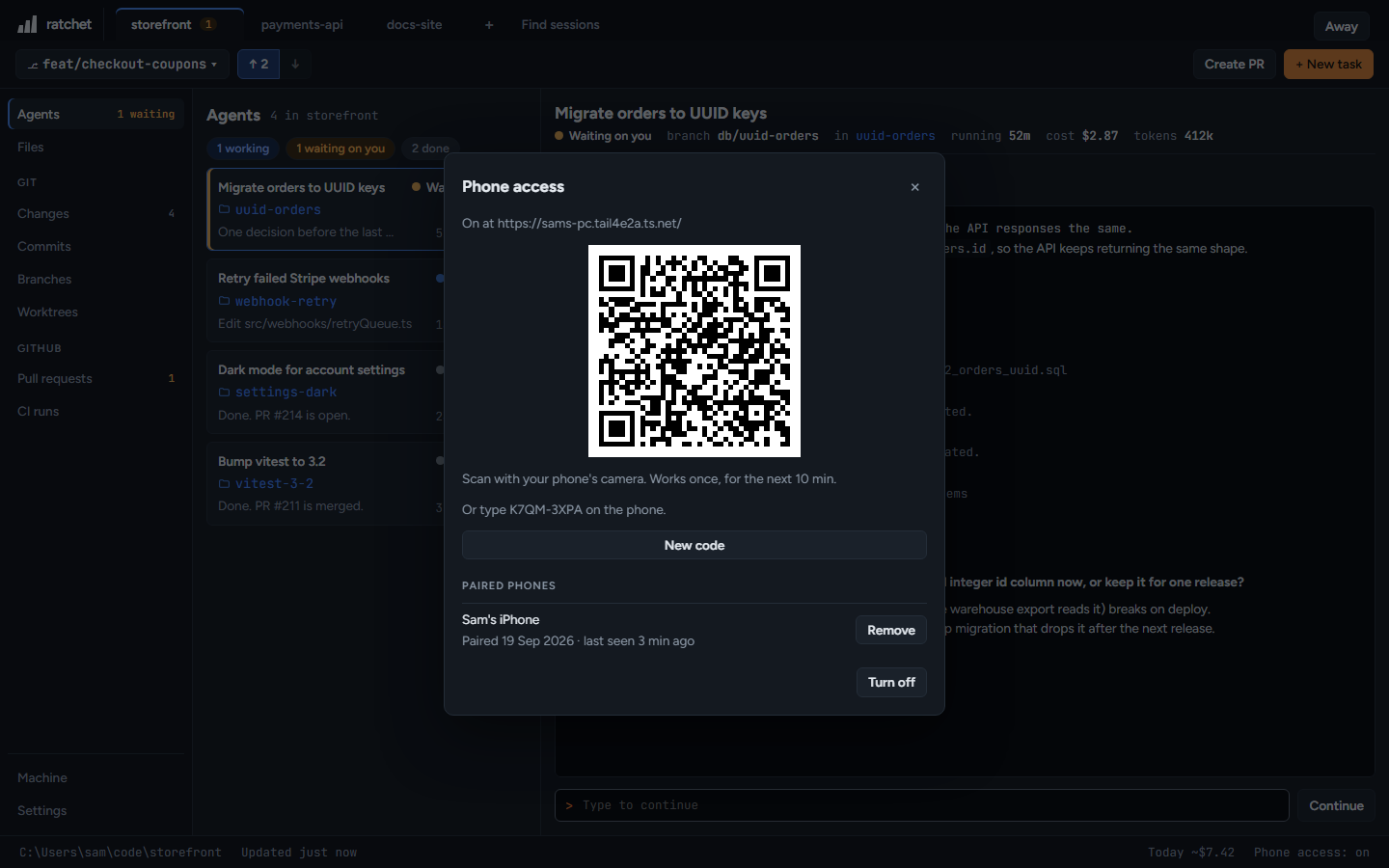
- In ratchet on your PC, press Phone access: off at the bottom right, then Turn on.
- Scan the QR code with your phone's camera. It works once, for the next 10 minutes. Or type the eight-character code on the phone.
- On the phone, add ratchet to your home screen. It then opens like an app.
127.0.0.1:4700
If Tailscale needs attention
ratchet says what's wrong and links to the fix: Tailscale not installed, signed out or stopped, MagicDNS or HTTPS certificates off, Funnel on, or port 443 already in use.
Paired phones
The dialog lists every paired phone with when it was paired and last seen. Remove unpairs one.
On the phone
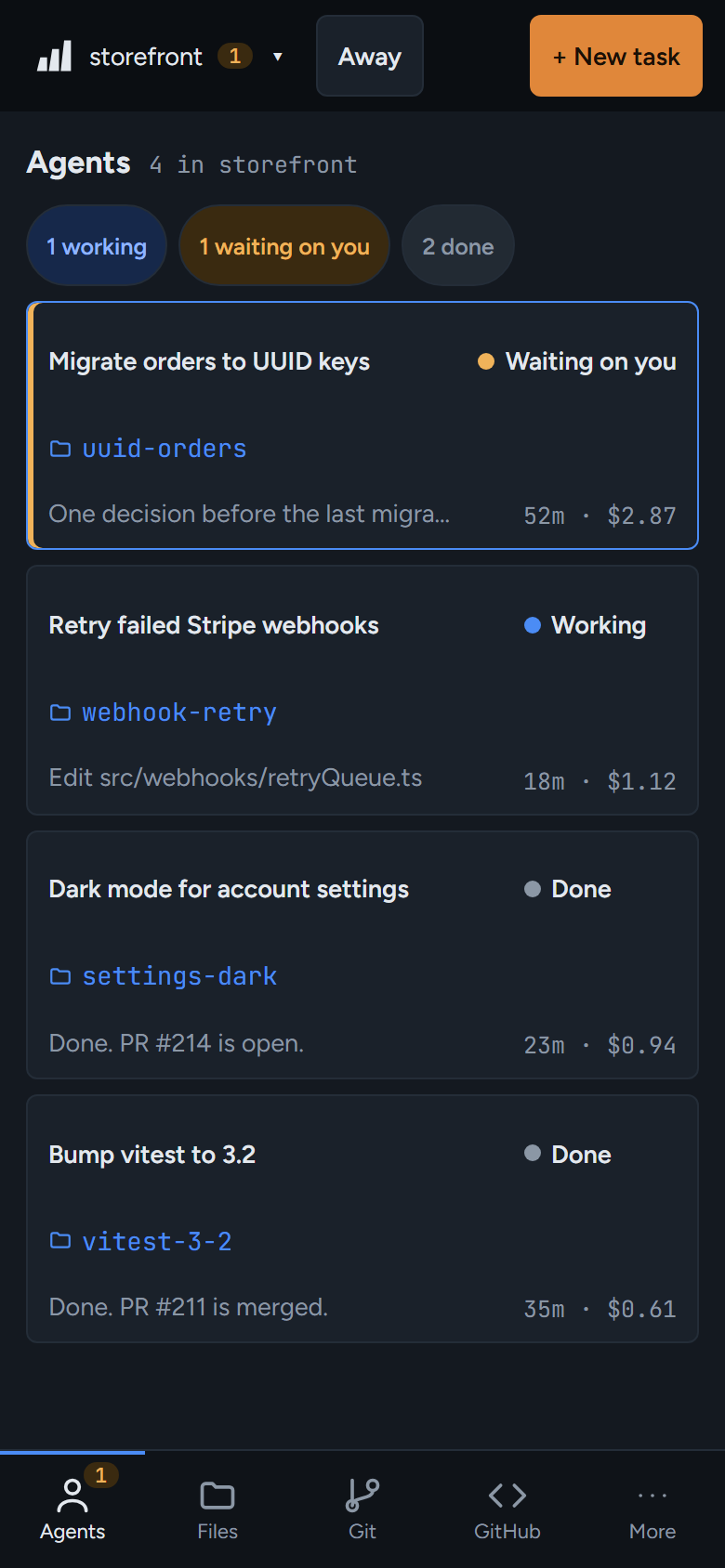
- Bottom tabs: Agents, Files, Git, GitHub and More. Agents shows how many are waiting on you.
- The repo list and + New task are at the top.
- Lists open their details full screen. Back goes back.
While phone access is on and agents are running, ratchet keeps your PC from going to sleep.